
Remote documents are useful to link to specs from a website or from a very large document that you store in an external service, such as Dropbox or Google Drive. You can also use the to point to spreadsheets stored in the cloud, like Google Sheets.
- Click on Add remote document.
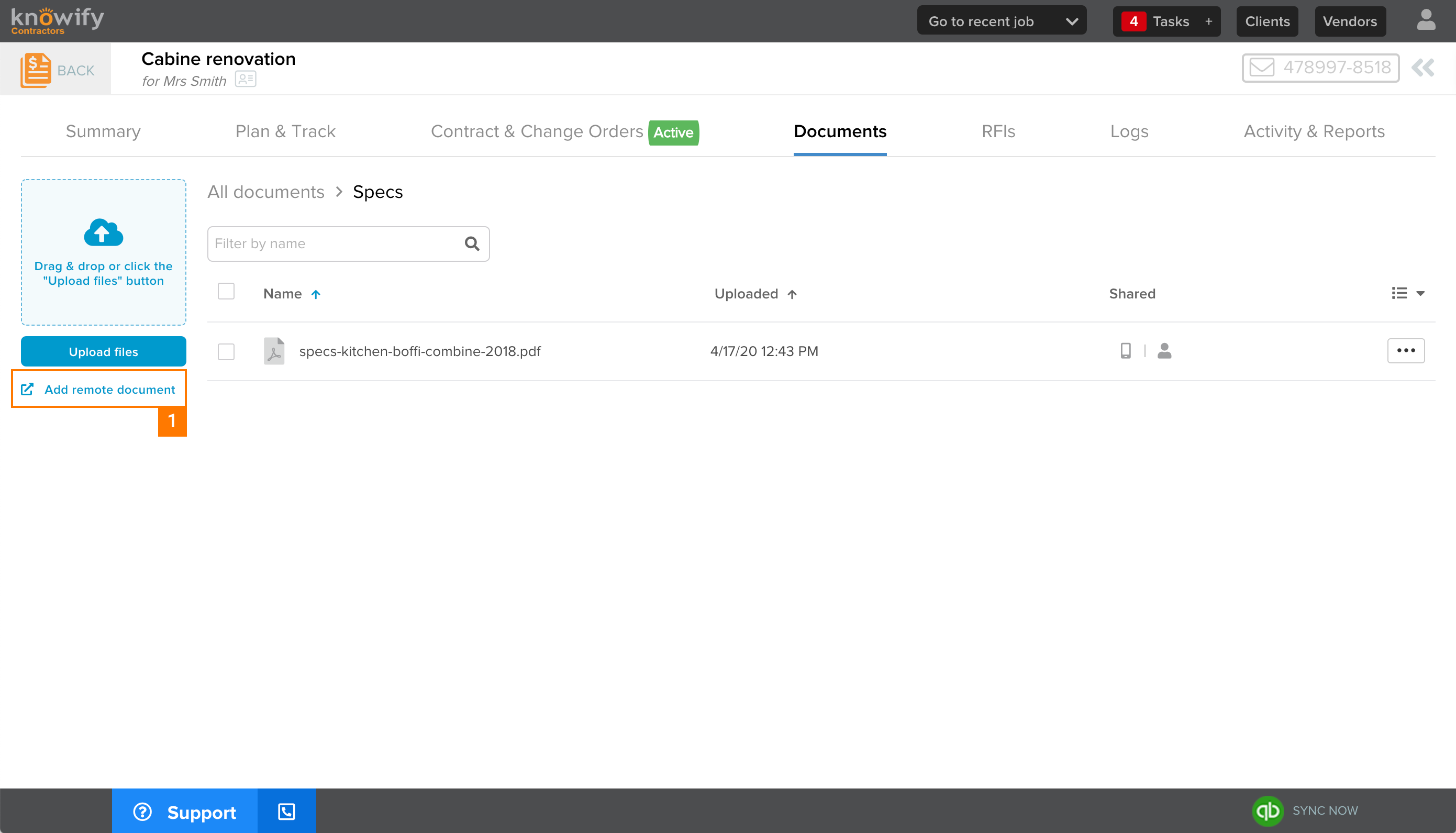
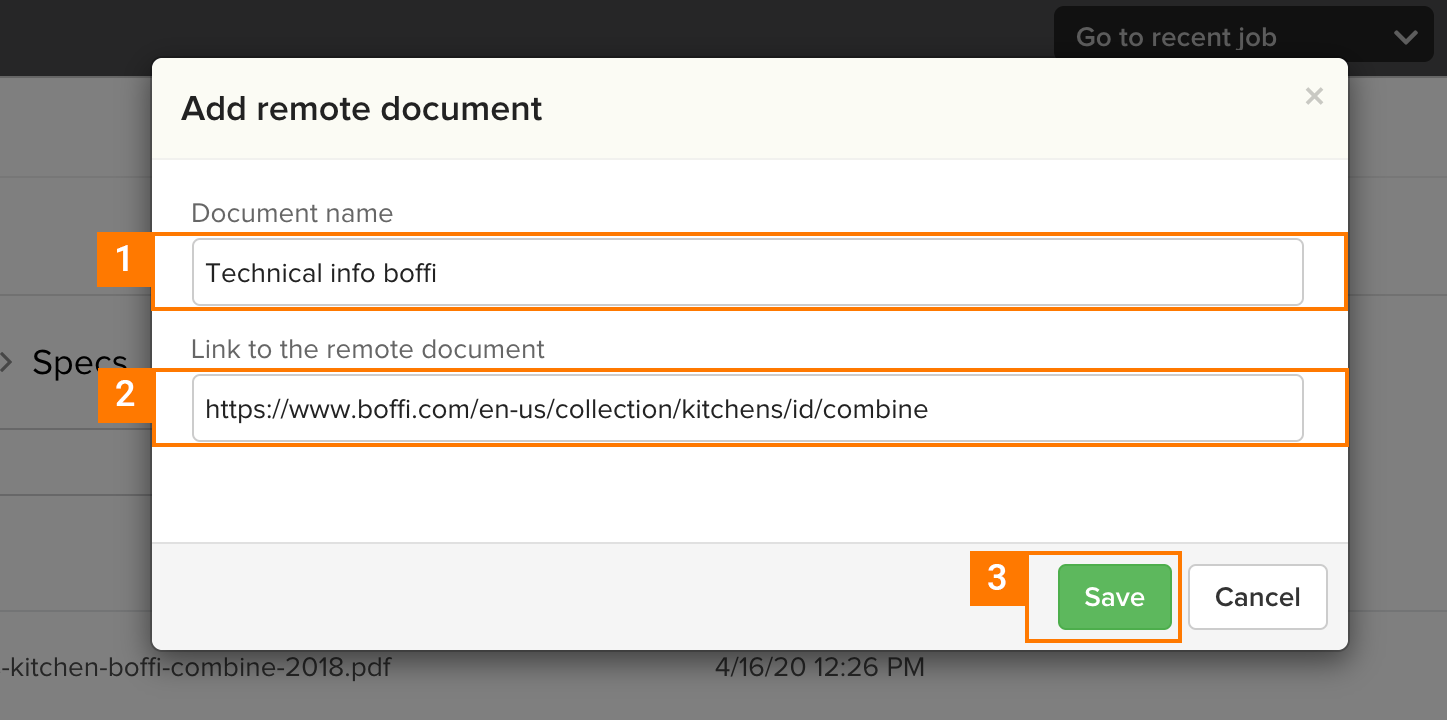
This will prompt a modal where you will be asked to insert the link and name for your external document.
- Type name for the remote document.
- Type (or paste) a valid url.
- Click on Save.
All remote documents will display with the following icon before its name (see example below).

Interested in this feature?
If you have questions about any of these features or would like to upgrade your account, please email support@knowify.com.
Comments
0 comments
Please sign in to leave a comment.