
Knowify’s smartphone application has the ability to show the client a summary of all time entries, materials, and comments submitted against a job so they can sign off before invoicing. To do this, the person who performed the ticket needs to open it up on the app and mark it as complete:
First open the ticket details:
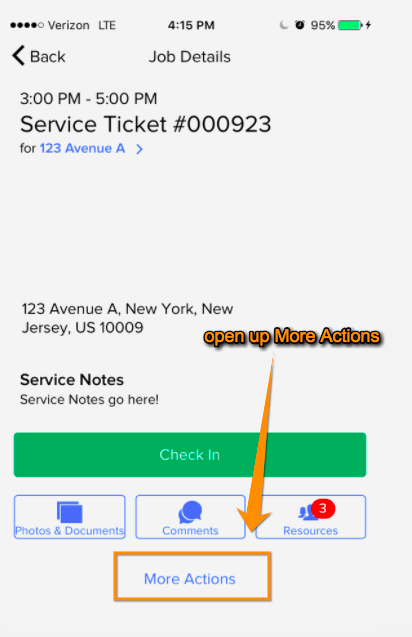
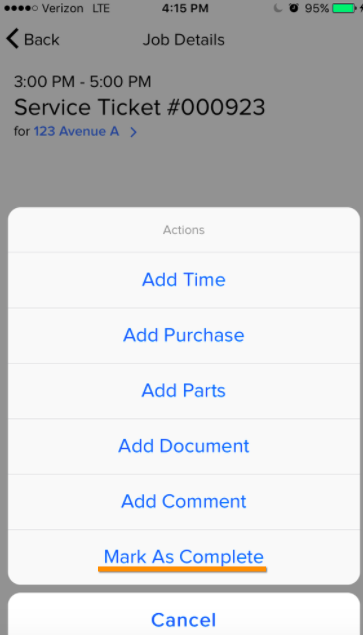
In the More Actions menu, mark the job as complete:
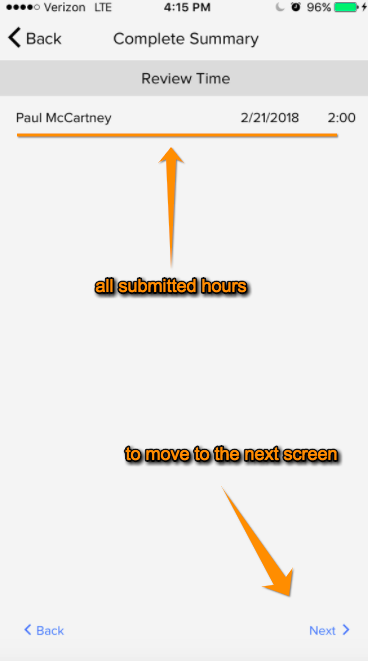
This will pull up a summary of all time entries submitted against this job:
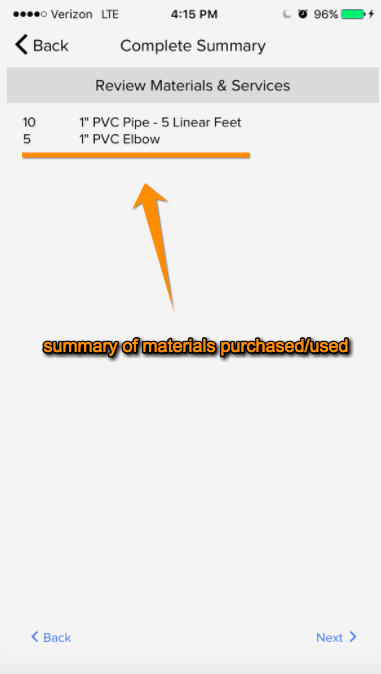
The next screen will pull up all materials/parts purchased or used:
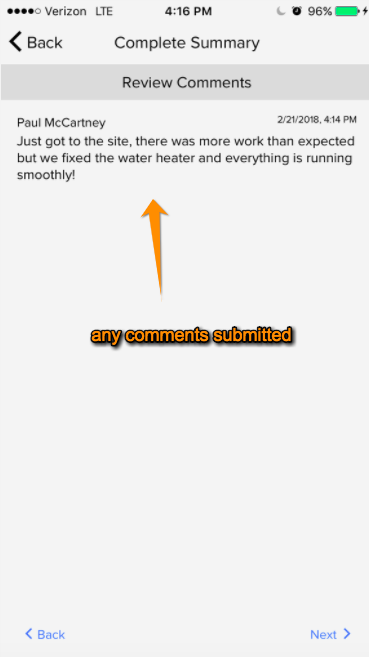
The next screen will display any comments entered:
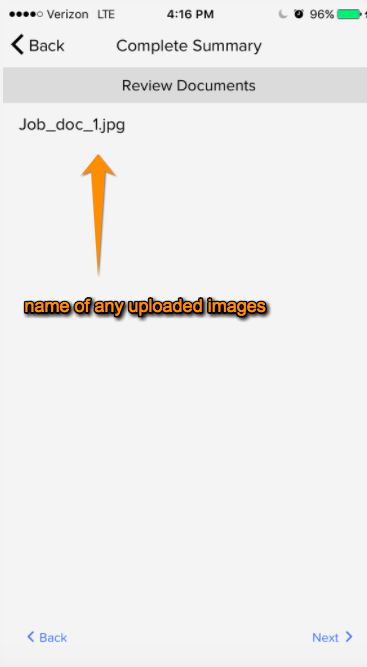
The next page will show the title of any images uploaded:
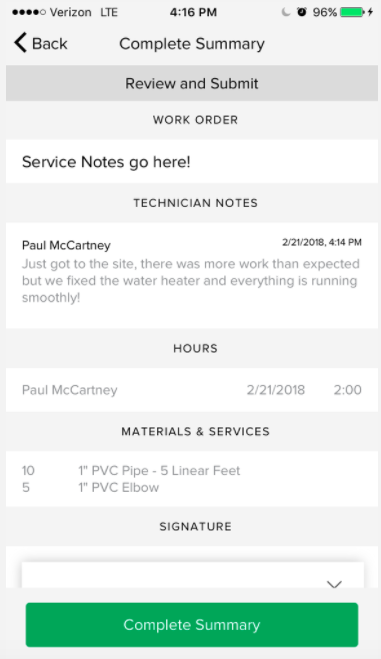
The final page will summarize all of this information for the client to review:
…and then sign:
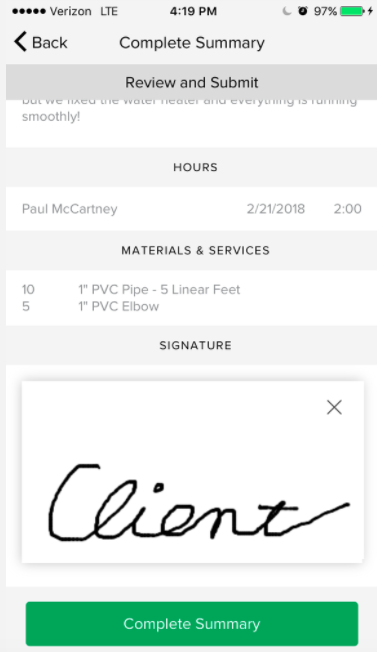
Once you click “Complete Summary” this will be included on the service summary
Comments
0 comments
Please sign in to leave a comment.