
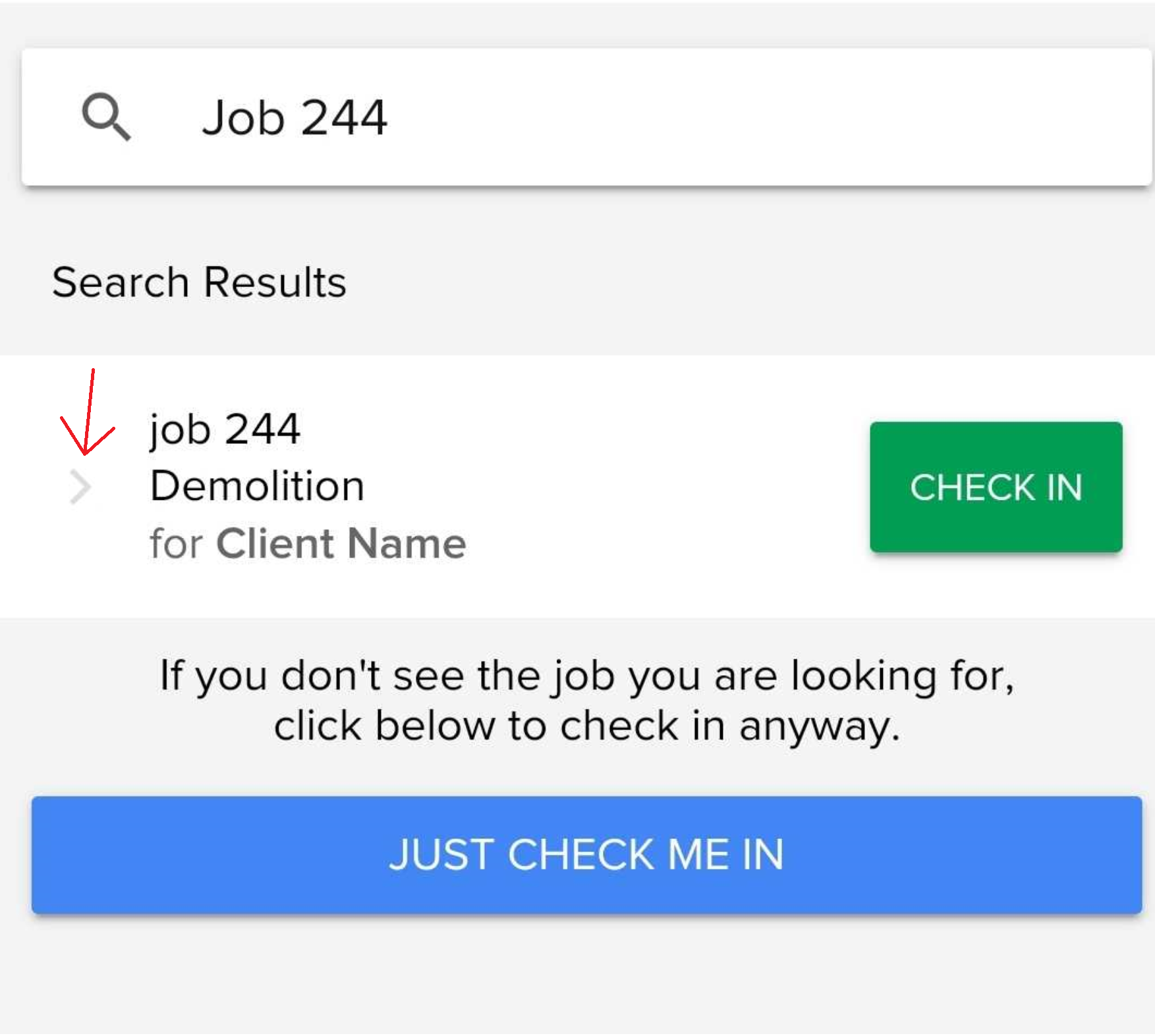
Documents can be found under the Job Details section of a job on the mobile application. The job details can be found by clicking the arrow next to (to the right of the job name) of a scheduled job:

Or by searching the job and clicking the job/phase name (not the check in button)
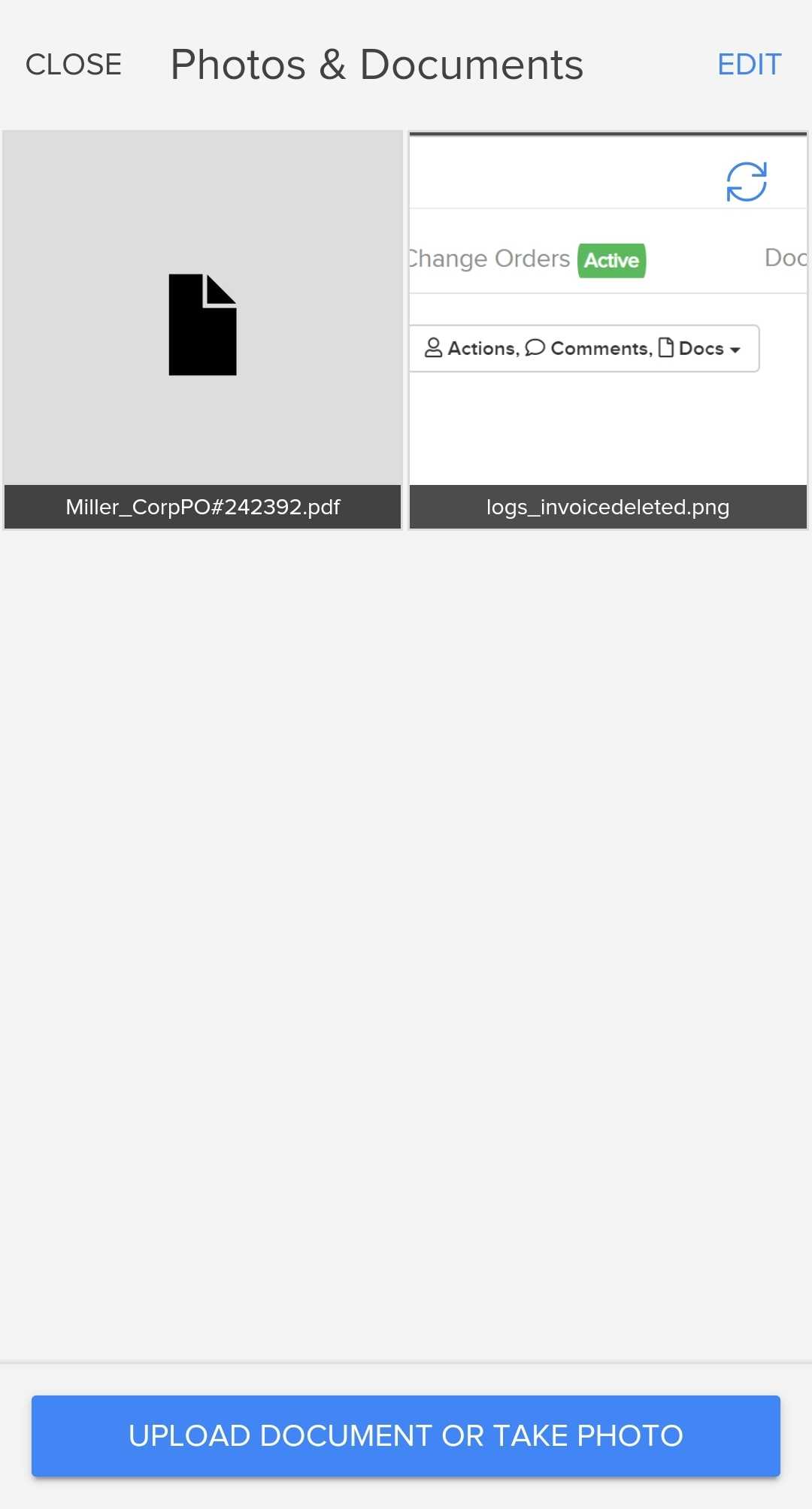
When viewing the job details, you can clicks the Images icon to view all documents/images uploaded to the job and shared with mobile users:

You can then click the document/image to view that document or you can click the link at the bottom to add a new photo/image:
Comments
0 comments
Please sign in to leave a comment.