
To edit a service ticket, first locate the ticket in your Service Map screen and click the ticket on the lefthand side. This will bring up the details in the map:

Clicking More Actions in the map on the right will give you the option to Edit:

From this screen you can change the ticket's Address, Time/Date, or Notes:
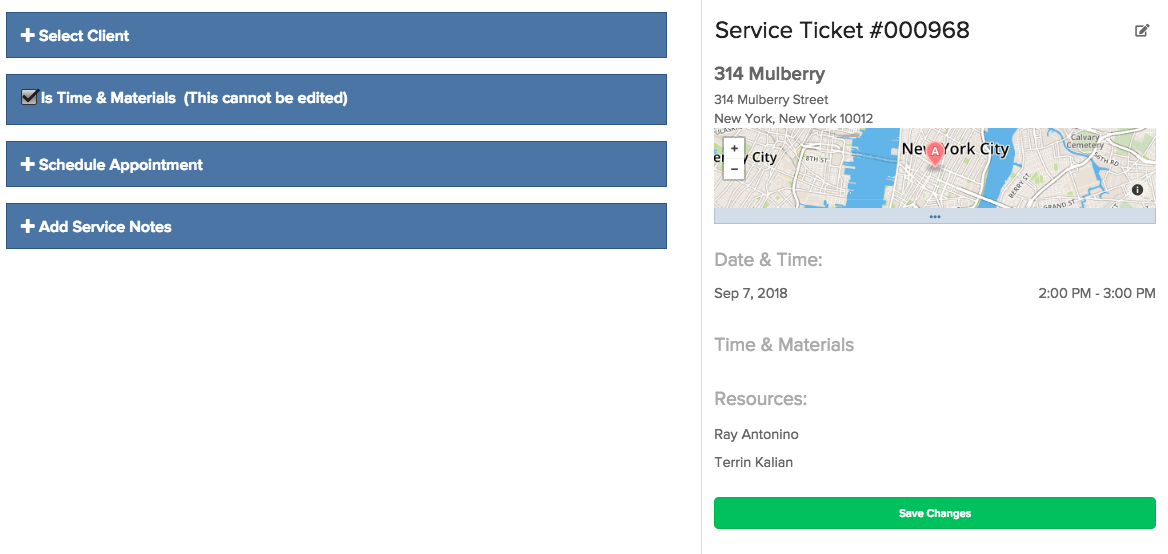
When you're done, click Save Changes on the right hand side of the screen, and the ticket will be updated.
Comments
0 comments
Please sign in to leave a comment.