
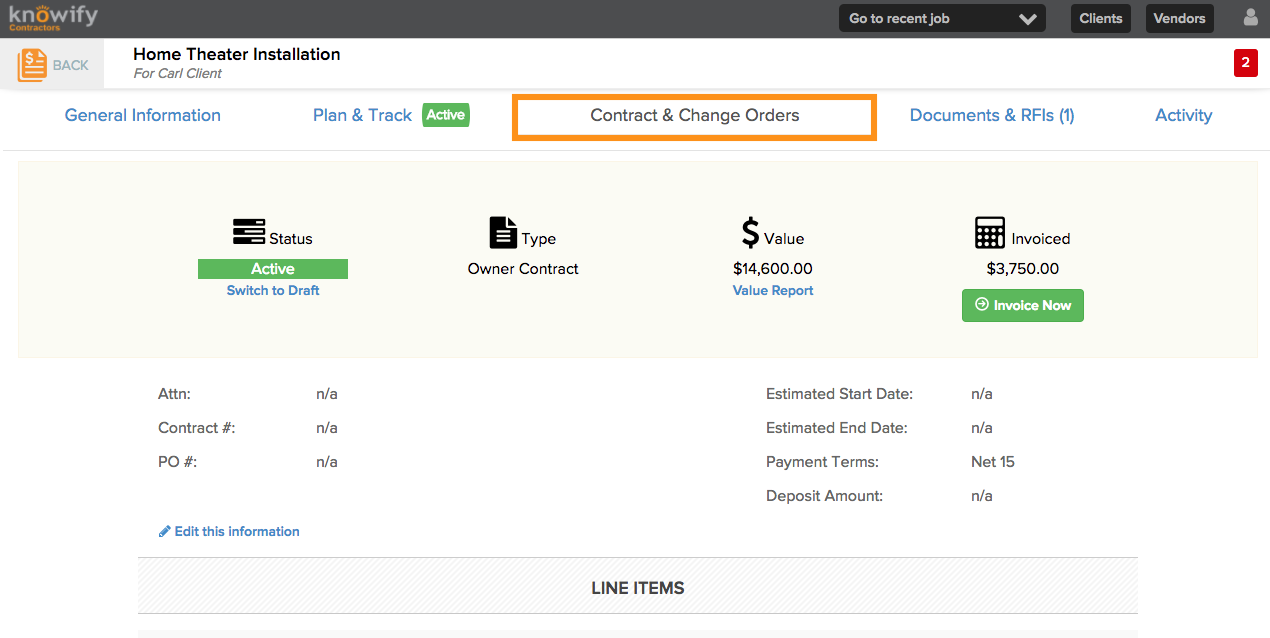
In order to apply client credit, create a new Change Order for a negative amount. That can be done in the Contract & Change Orders section, below the last line item:
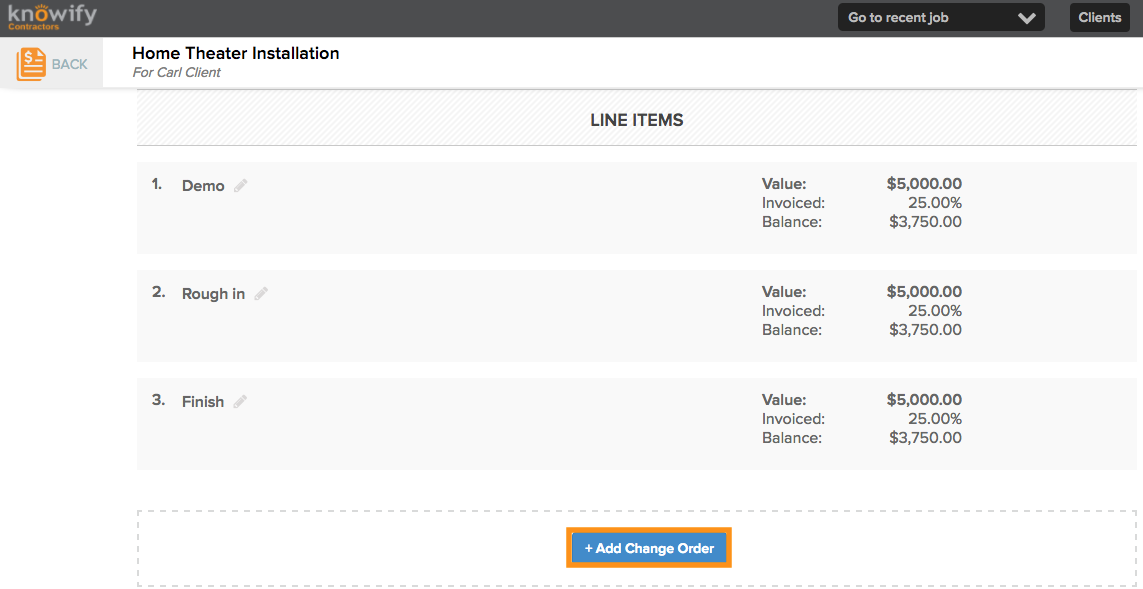
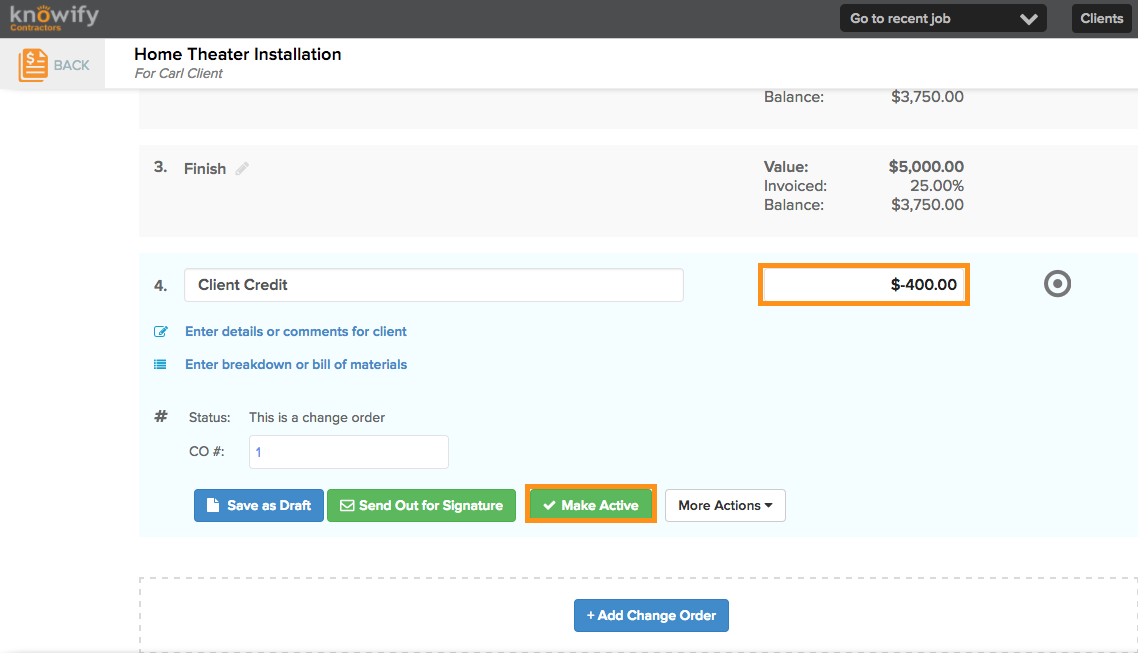
Fill out the information in the provided boxes below. Enter a negative value for the change order amount, and click Make Active to add immediately, or Send Out for Signature to receive approval from the client:
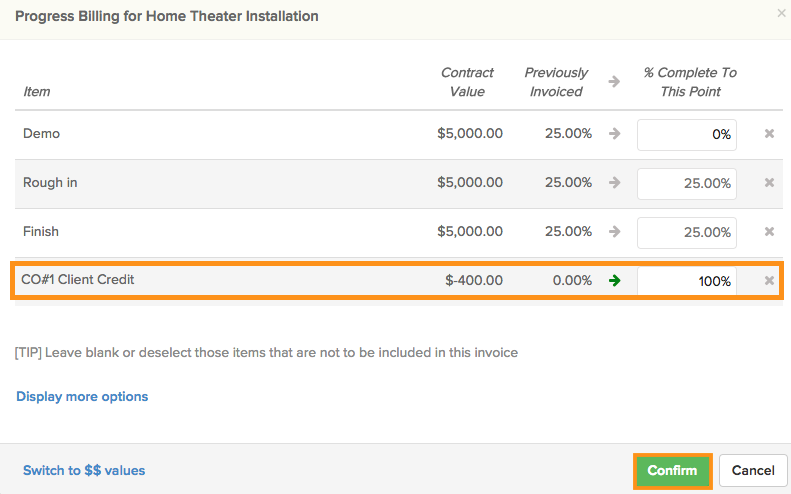
Once the change order has been made active (either manually or through signature) you will be able to add it to a new invoice:
Warning
A negative invoice will not sync with Quickbooks. We would need to manually enter a corresponding credit memo in QB to reflect this credit or invoice this credit along with enough of the contract the ensure the invoice value is greater than $0
Comments
0 comments
Please sign in to leave a comment.